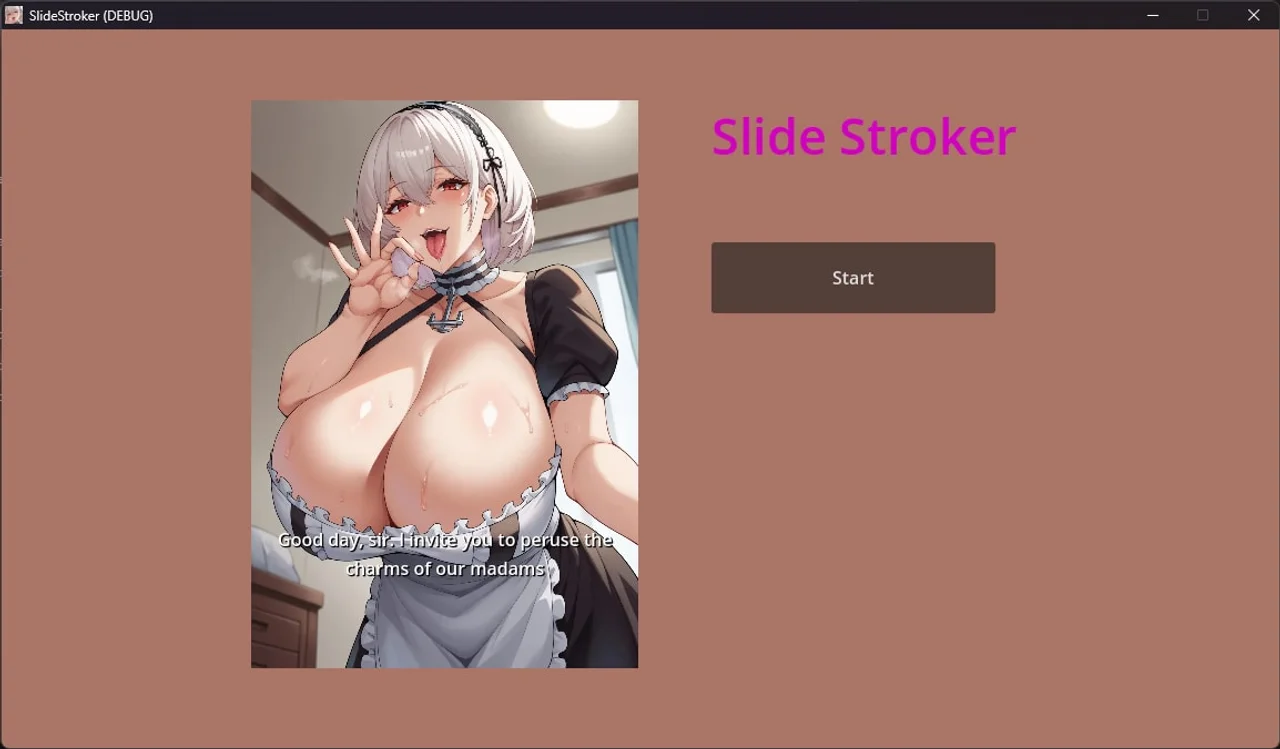
SlideStroker
Game Information
Developer
RumilVersion
v2.0
Engine
Others
Release Date
May 18, 2025
Last Update
May 19, 2025
Censorship
Uncensored
Overview
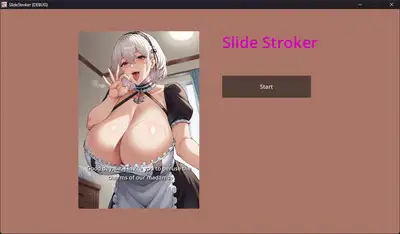
SlideStroker is a JOI-style slideshow game for players who want a straightforward, guided stroking session. It keeps things simple and direct, with a focus on pacing rather than narrative.
Gameplay
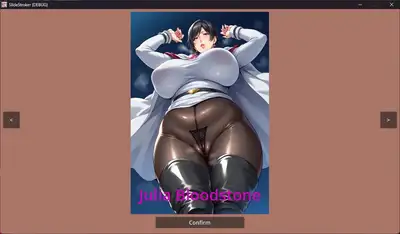
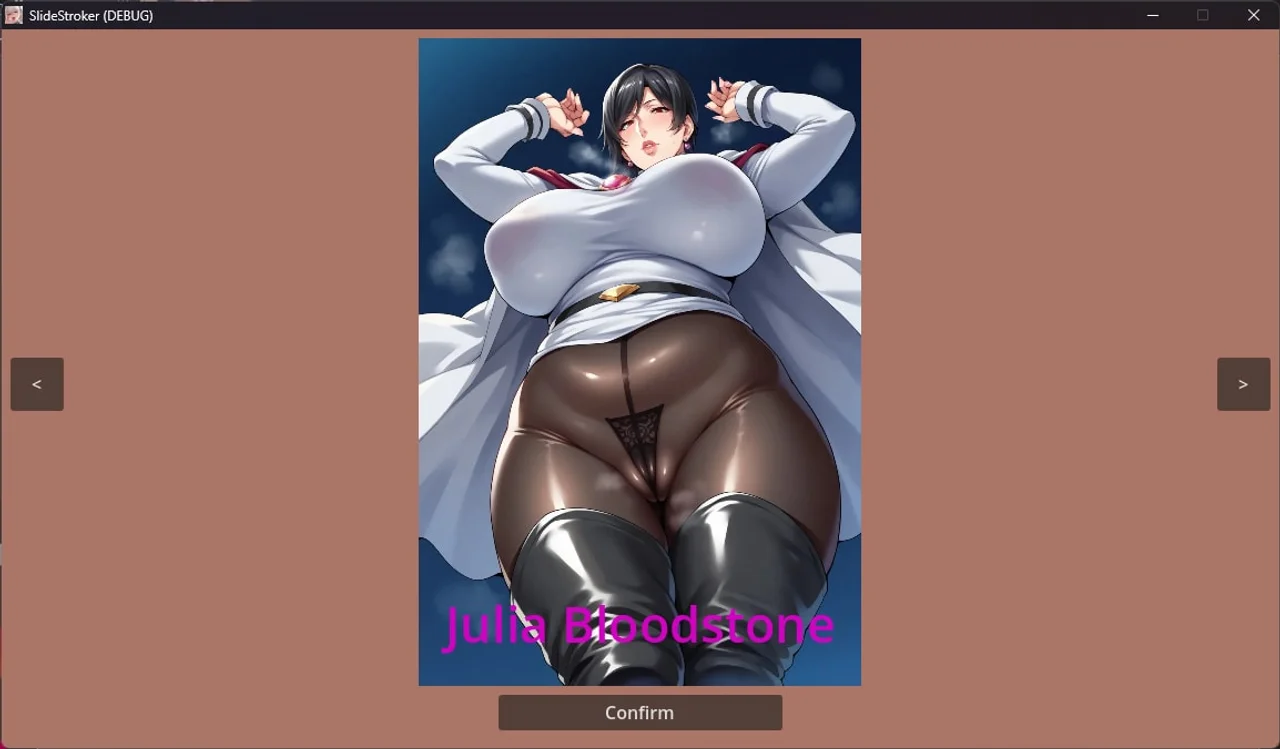
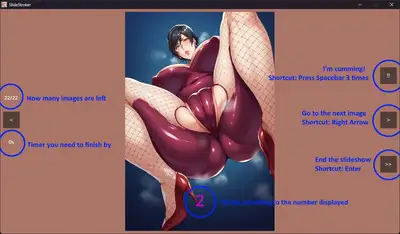
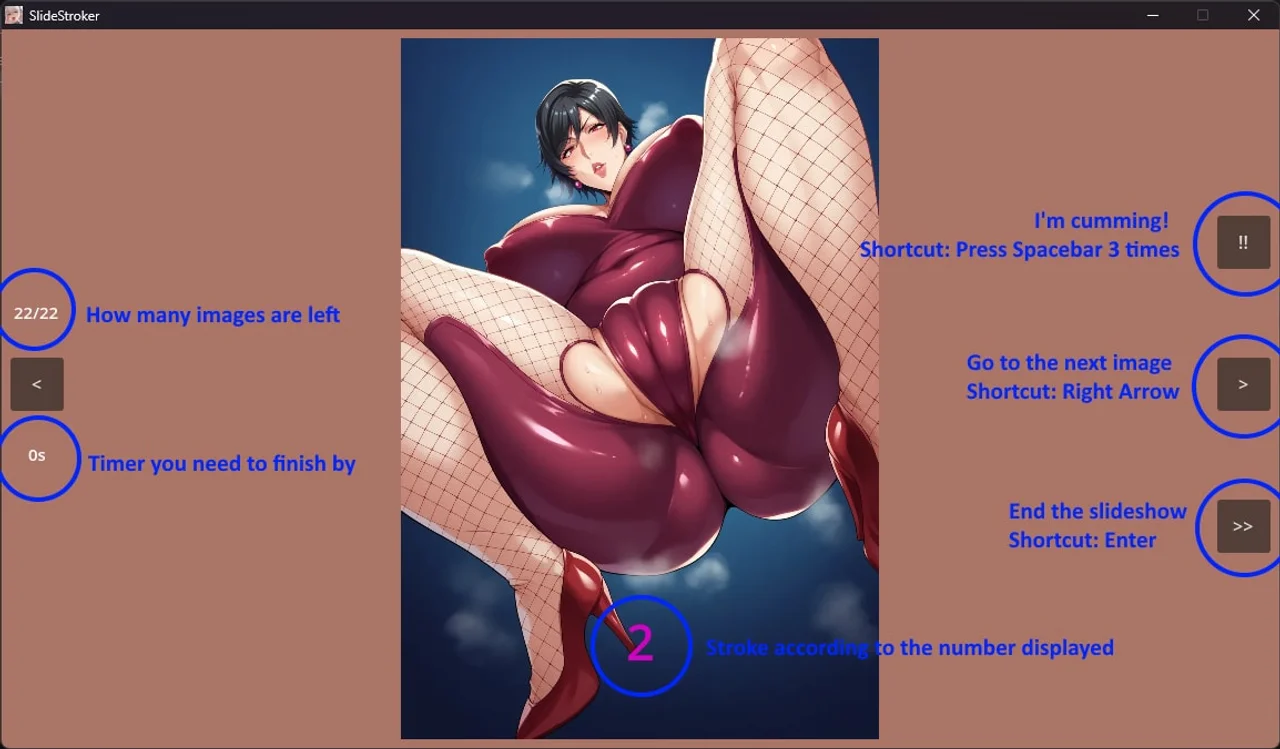
The core loop is a slideshow of AI-generated images, each marked with a number telling you how to stroke. Fall behind the pace and Edge Mode kicks in, holding you at the edge until you catch back up. Options let you swap in your own images, sounds, and dialogue lines to build a session around your own preferences.
Features
- AI-generated CG slideshow format built around point-and-click pacing
- Edge Mode as a built-in fallback for players who can't keep up with the count
- Configurable content: custom images, audio, and dialogue text
- Milf-focused imagery with recurring big-tits and big-ass emphasis
Installation
1. Extract the zip file to your desired location. 2. Click on "SlideStroker.exe" to start playing.
Changelog
v1.0
- First release
v2.0
- Interface
- Resizable screen resolution. Default is 1280x720 and adjustable at config.json
- Can change background color
- Scene navigation: Improve RIGHT ARROW keypress. Now can seamlessly navigate to another scene
- Main slider "end" image is taken from gameover tag and play audio
- PDF tutorial
- Put tutorial "tutorial_how_to_play.pdf" which is about how to change the game settings
- Put tutorial "tutorial_config.pdf" which is about how to edit the config.json file
- Put tutorial "tutorial_custom_images.pdf" which is about adding own images, share it and use others
- Image libraries
- Folder "libraries" folder structure is now different. To support multiple user
- libraries.json add option "isEnable=true/false" so user can easily enable/disable any library. p/s: "isEnable" is optional
- Improve default library: Each tags has more images. Images score is now random with range
Others :
Tutorials / How to play:
- After extract the game. Check the tutorial folder
- How to configure the settings and add custom girls is inside the tutorial as well