Grizzly Grove
Game Information
Developer
RafsterVersion
v0.26j
Engine
HTML
Release Date
Dec 27, 2024
Last Update
Jan 25, 2026
Censorship
Uncensored
Overview
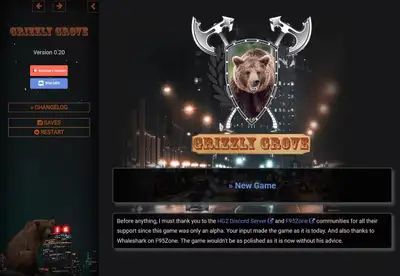
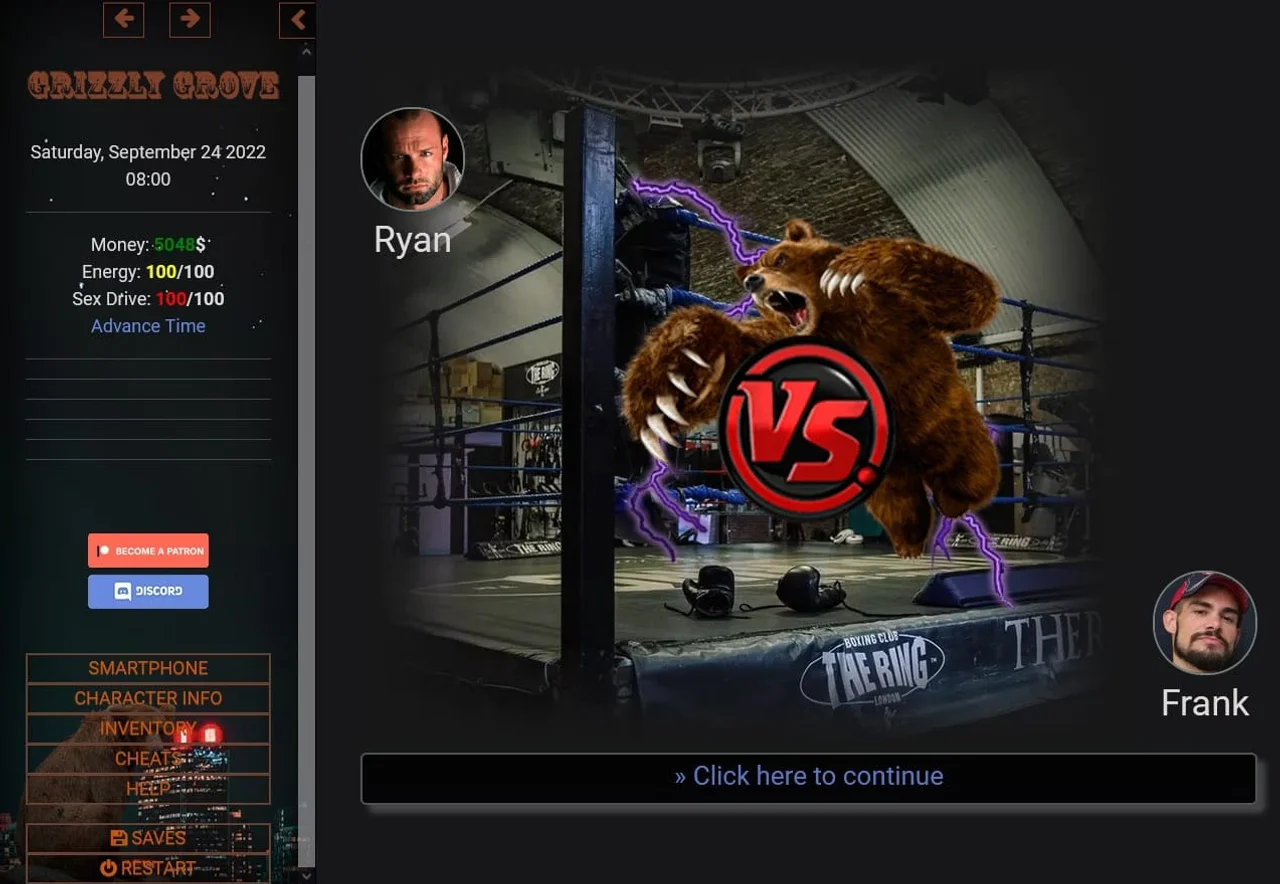
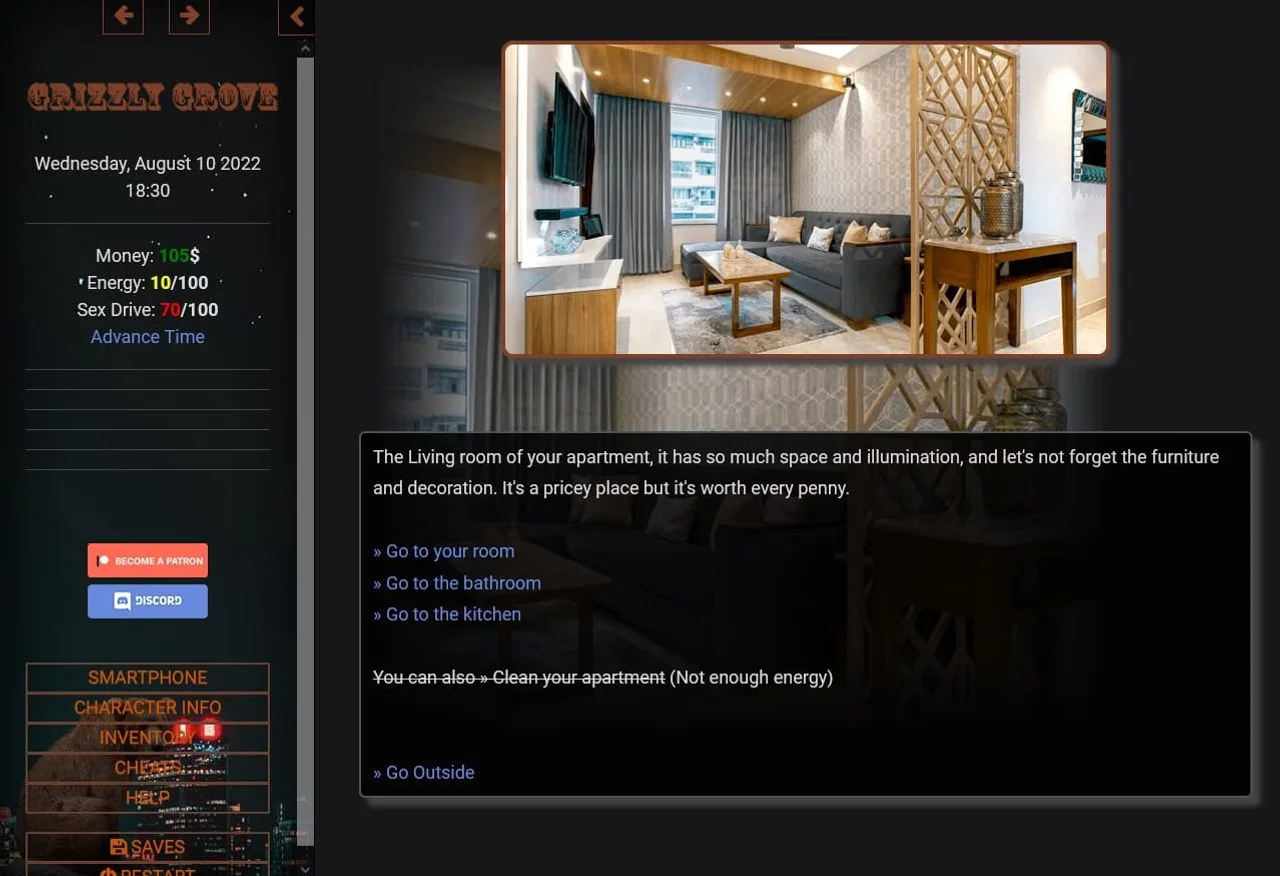
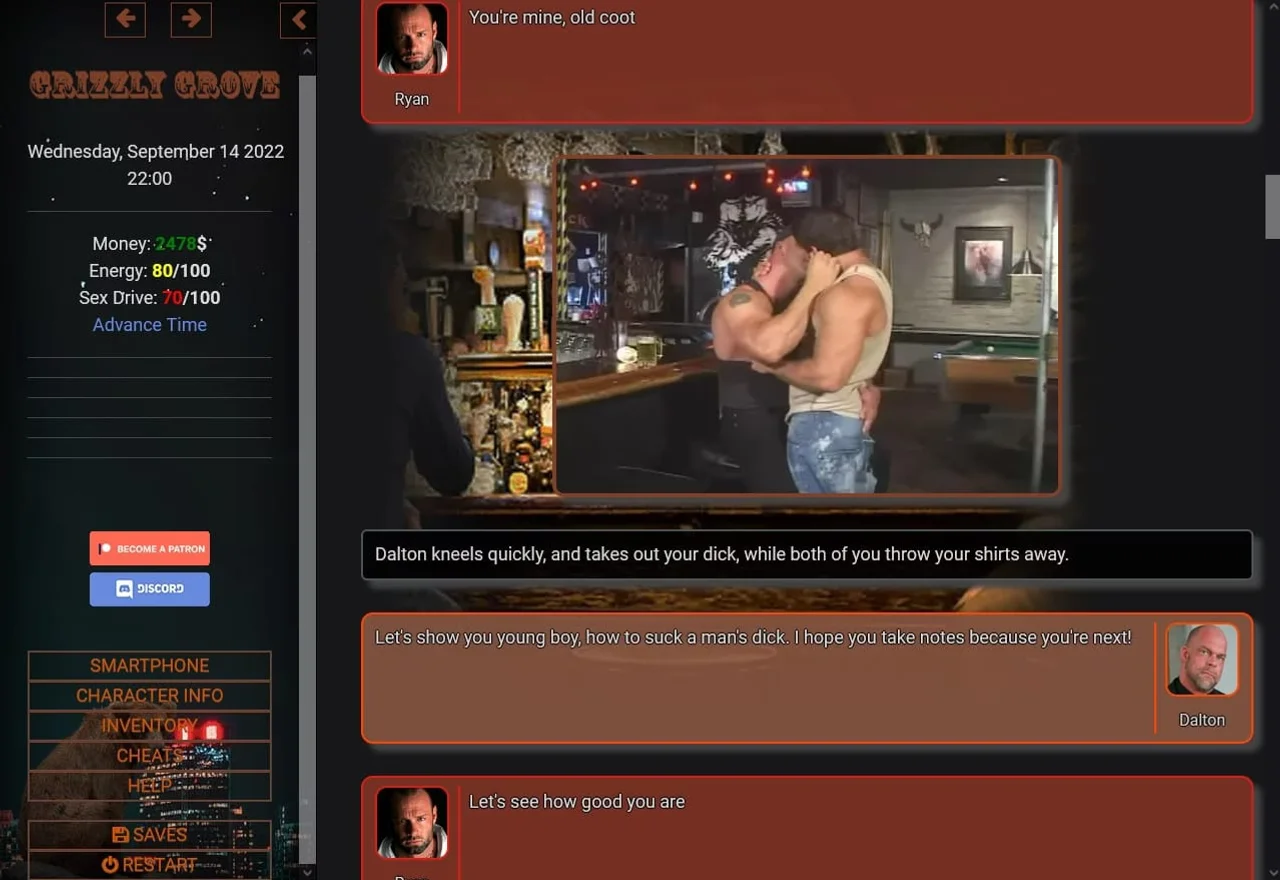
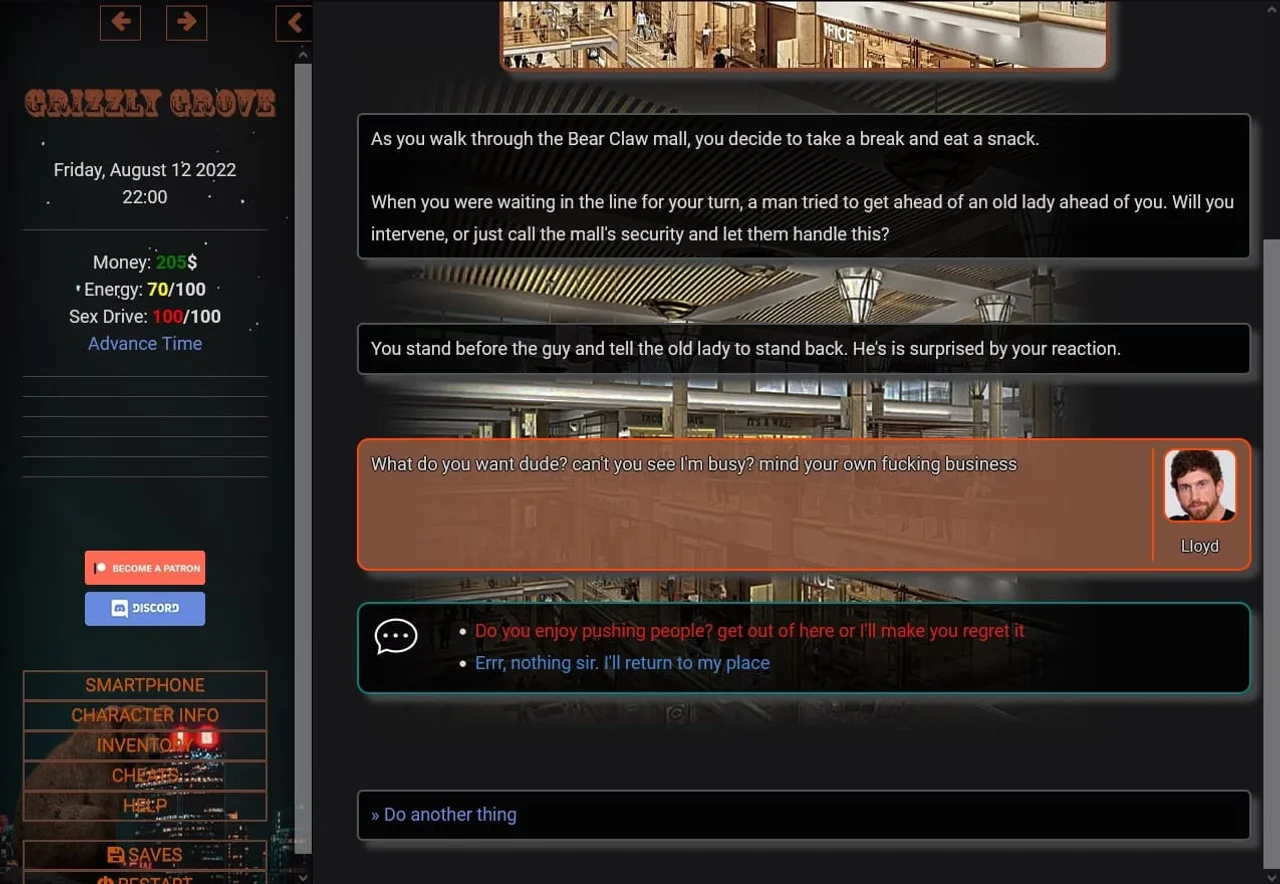
Grizzly Grove is a text-based sandbox visual novel for players who want a gay-focused dating sim with a self-aware, over-the-top sense of humor. It plays things loose and cheeky rather than serious.
Story
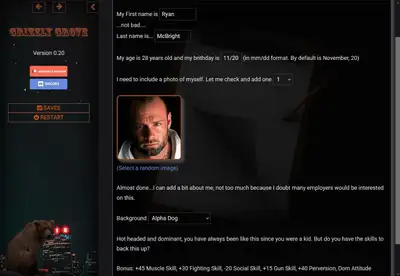
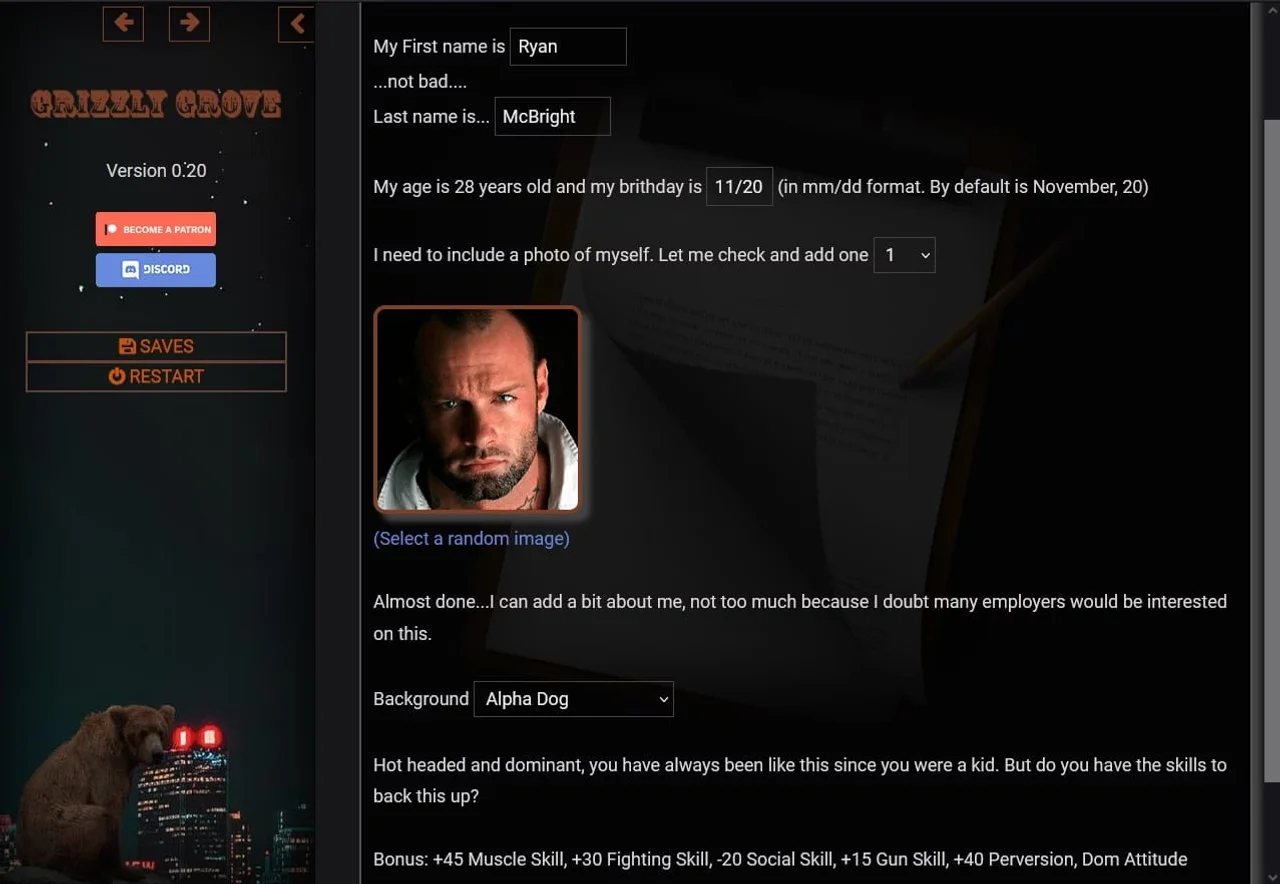
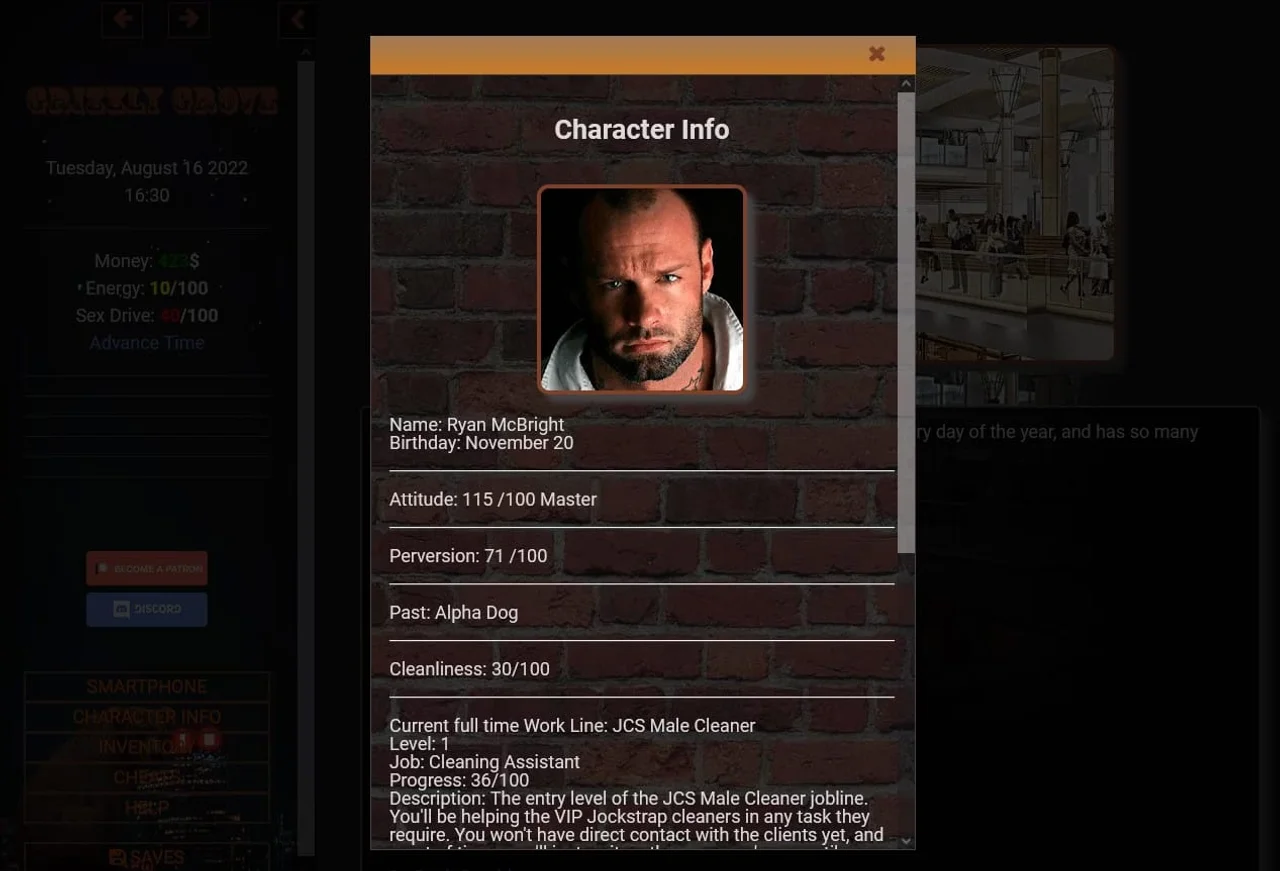
Ryan McBright, 27, returns to Grizzly Grove after a decade away, having left home following a bitter argument with his mother and moving in with his uncle. Now, with his uncle's help, he rents an apartment in the city and tries to build a life there, choosing whether to make it work or head back to his uncle's house in defeat.
Gameplay
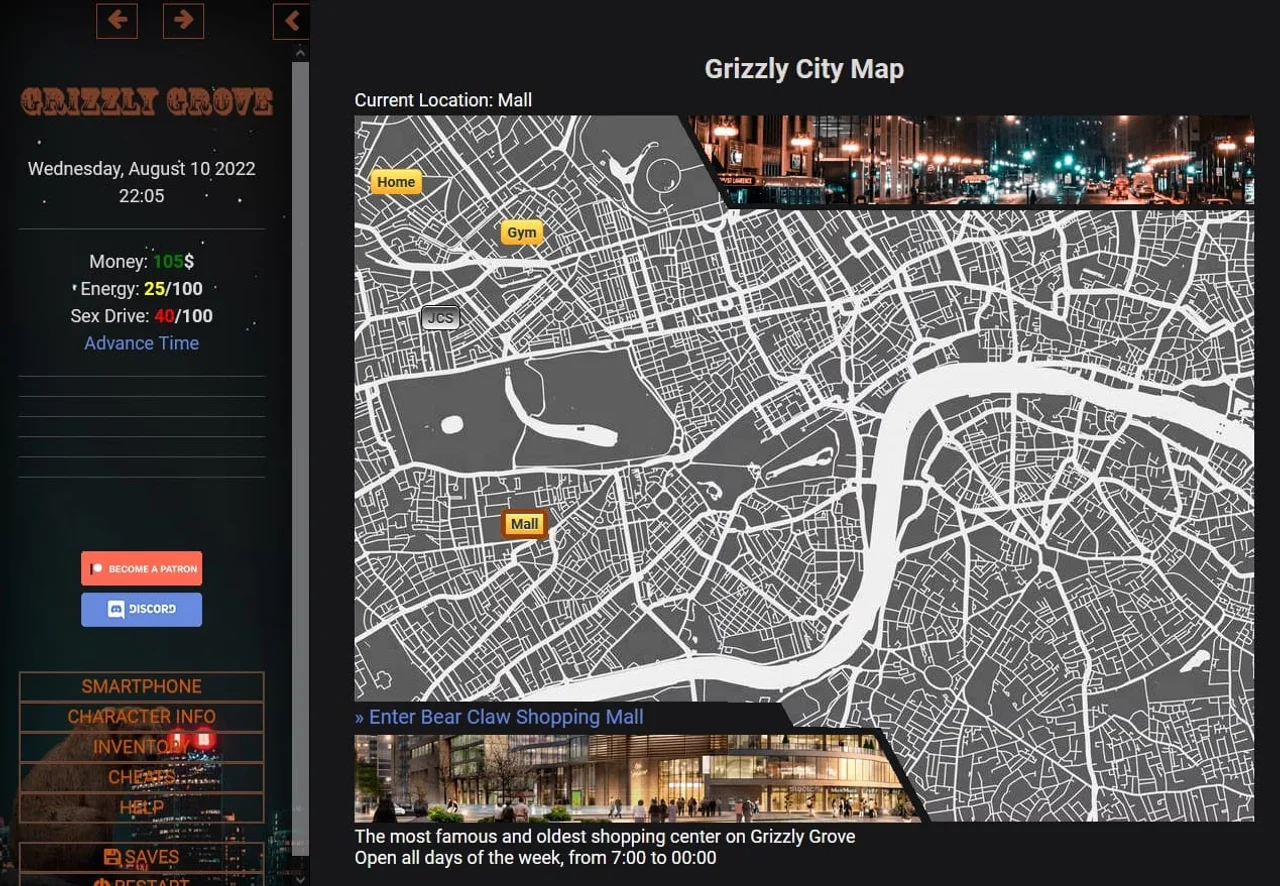
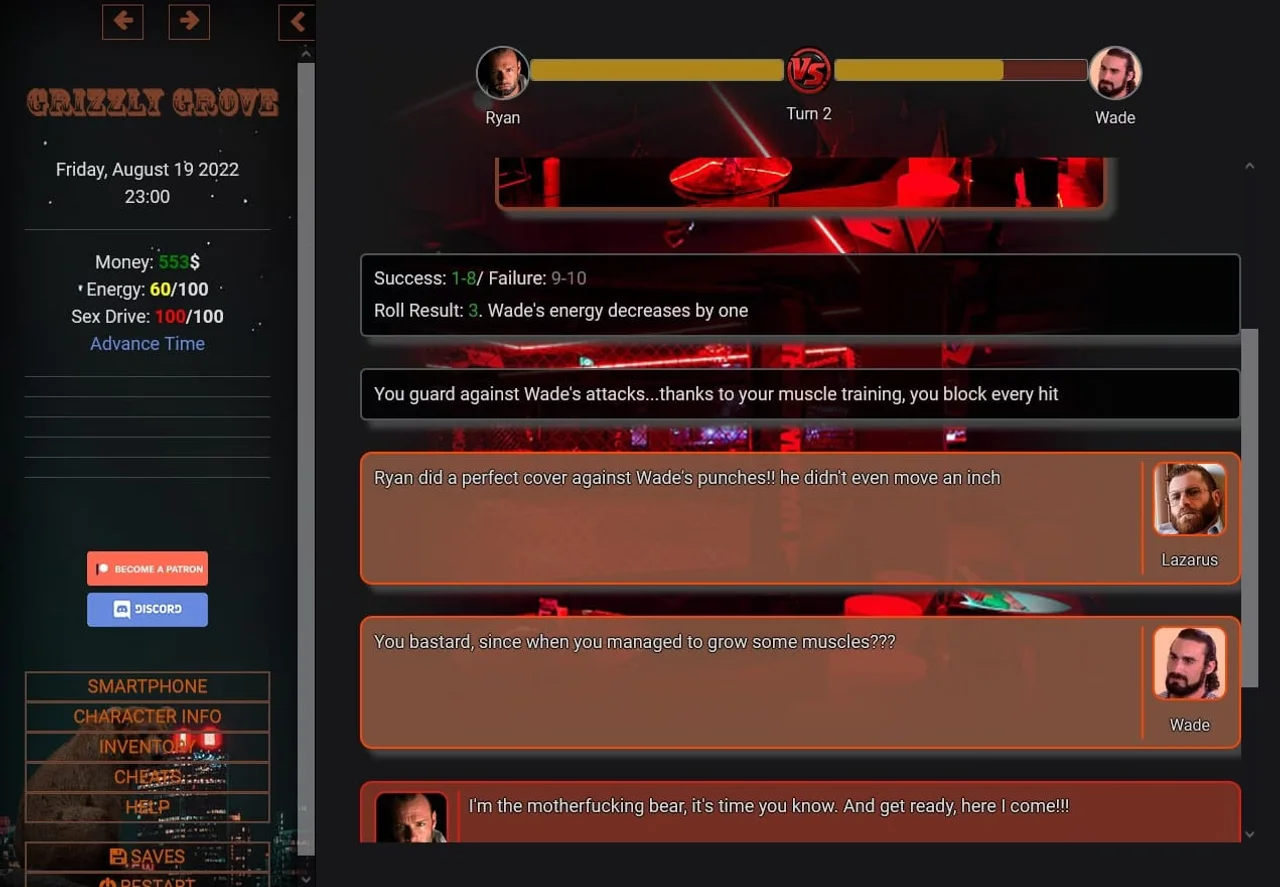
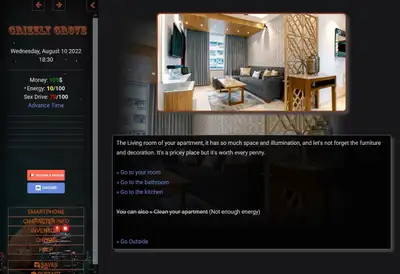
Play unfolds as a heavily text-based sandbox where you steer Ryan through the city, dipping into separate storylines tied to the people he meets. Locations around Grizzly Grove open up characters and encounters, most centered on the men who populate the town, and choices shape which relationships and paths develop over time.
Features
- Customizable protagonist name, letting you shape Ryan's identity from the start
- A cast built around older, rugged-looking love interests fitting the game's "grizzly" theme
- Multiple endings depending on the paths and people you pursue
- 3DCG presentation with animated scenes
Notes
The gay tag is a core, unavoidable part of the experience; the vaginal sex tag and other listed kinks appear only in specific side content, so check the tag list if any of those are a dealbreaker.
Installation
If you downloaded the zip version, just unzip and run the index.html file. It's a browser game, and the one I recommend using is Firefox, but I also tested it in Chrome, Opera, and Edge. It's possible to get the offline version running on android. In order to do so there are two methods: Method 1 (File Manager Plus) Download File Manager Plus and Rar Apps. Both of them are free on the Play Store. Using your browser of choice, download the latest version of the game off this post (I used Chrome) Once you download the game, Open the Rar app and open the downloaded .zip file. Extract and take note of the folder you extracted to. I usually have something like Download/Grizzly Grove but you can put it wherever you like. Open File Manager Plus. Navigate to the folder where is the game, and locate the Index.html file. When you open it on file manager plus, it will ask you to select the app to open it, I used Chrome. It will open up the game in Chrome. Now you can play normally. Method 2 (Joiplay) Download Joiplay from their (It's not on the Play Store anymore. It's still free on Patreon) and Rar (to open .rar and .zip files on Android) from the Play Store. They are free. Using your browser of choice, download the latest version of the game off this post (I used Chrome) Once you download the game, Open the Rar app and open the downloaded .zip file. Extract and take note of the folder you extracted to. Return to joiplay, and click on the "+" icon on the corner of the screen. Give a name to the game and tell it where the HTML file is (is in the folder you extracted in the prior step). Optional: you can find an icon for the game on the media/general folder. OPTIONAL: If you cannot save or load savefiles, go to Confuration->HTML. Enable all options. Save changes. Now you'll be able to save and load savefiles.