Evil 2
Game Information
Version
v0.76
Engine
QSP
Release Date
Sep 15, 2025
Last Update
Jan 21, 2026
Censorship
Uncensored
Overview
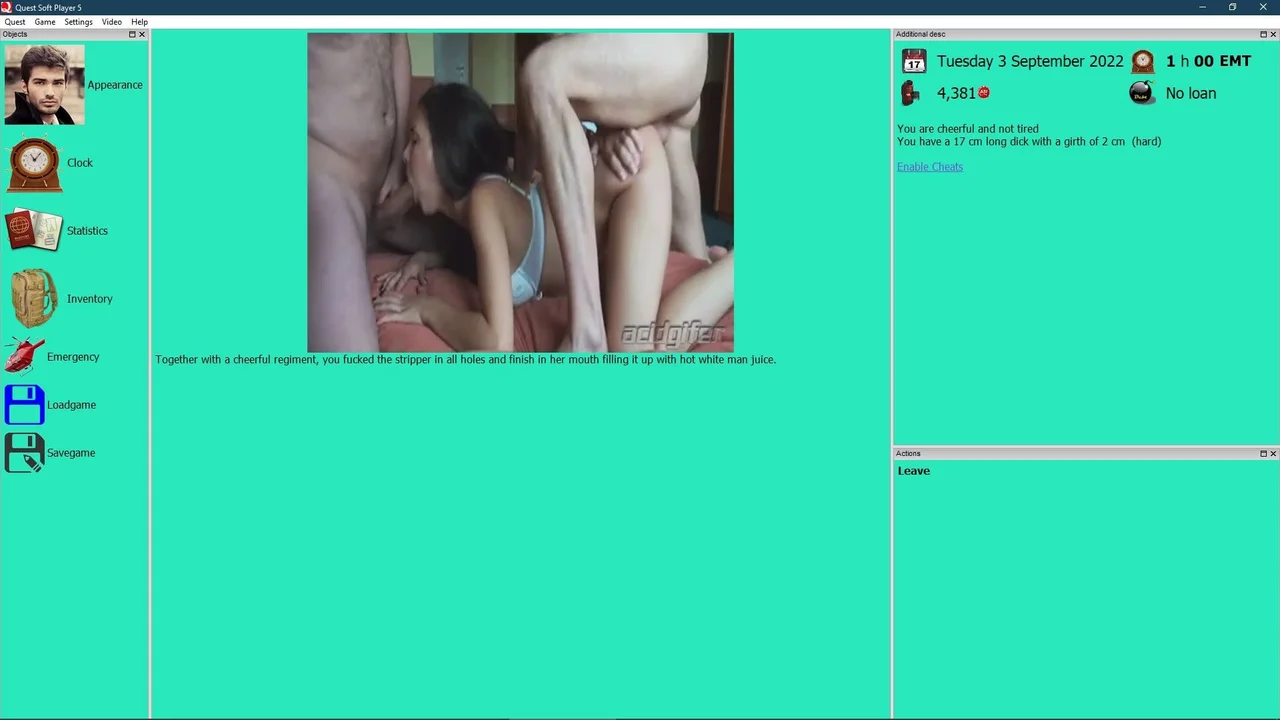
Evil 2 is an open-world RPG for players who want a hard-edged crime sandbox with no hand-holding. The tone is deliberately dark and unfiltered.
Story
You create a male character starting out in the capital of a world close to our own but with its own rules around crime and slavery. The path forward is open-ended, but the underlying goal is fixed: build power, influence, and a criminal empire from nothing until you become a crime lord.
Gameplay
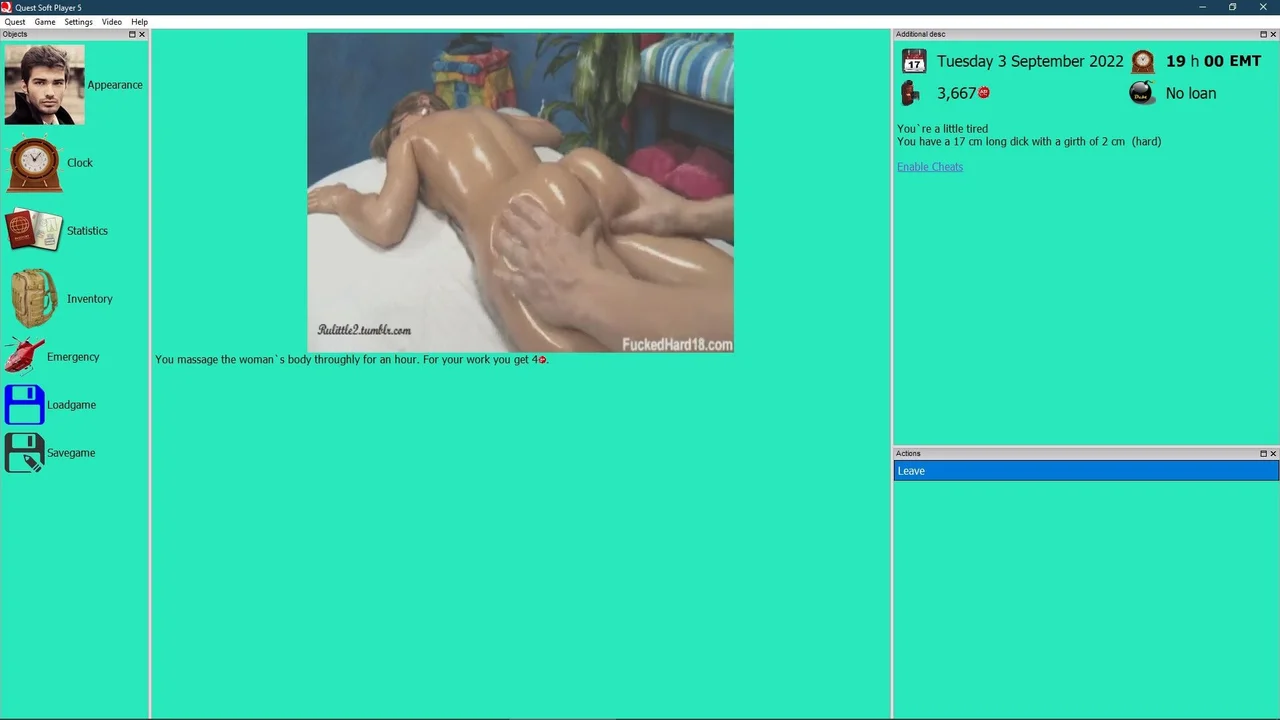
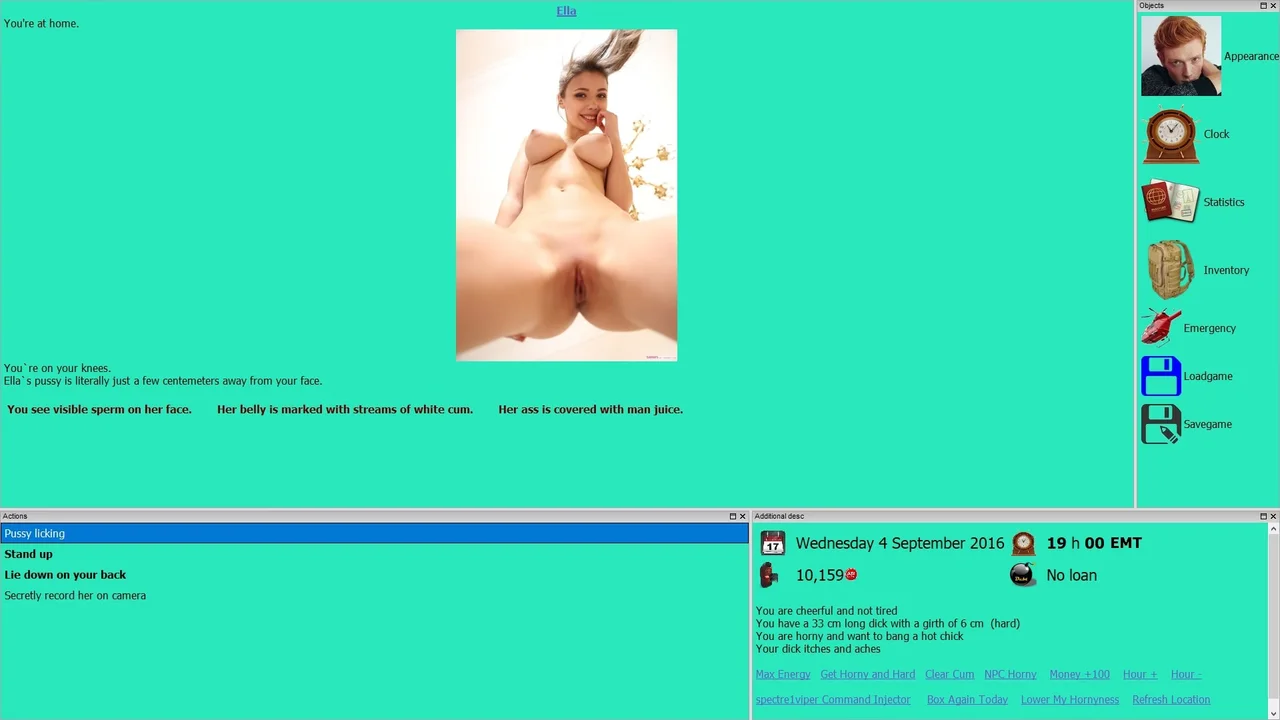
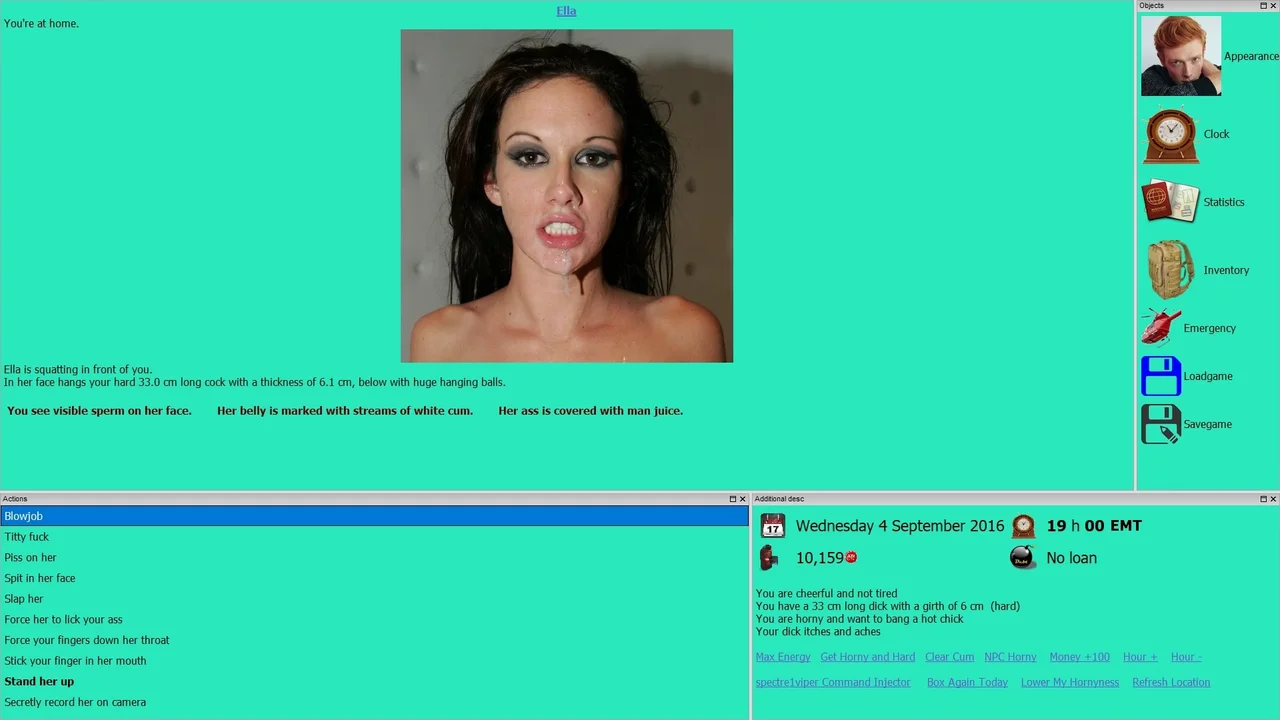
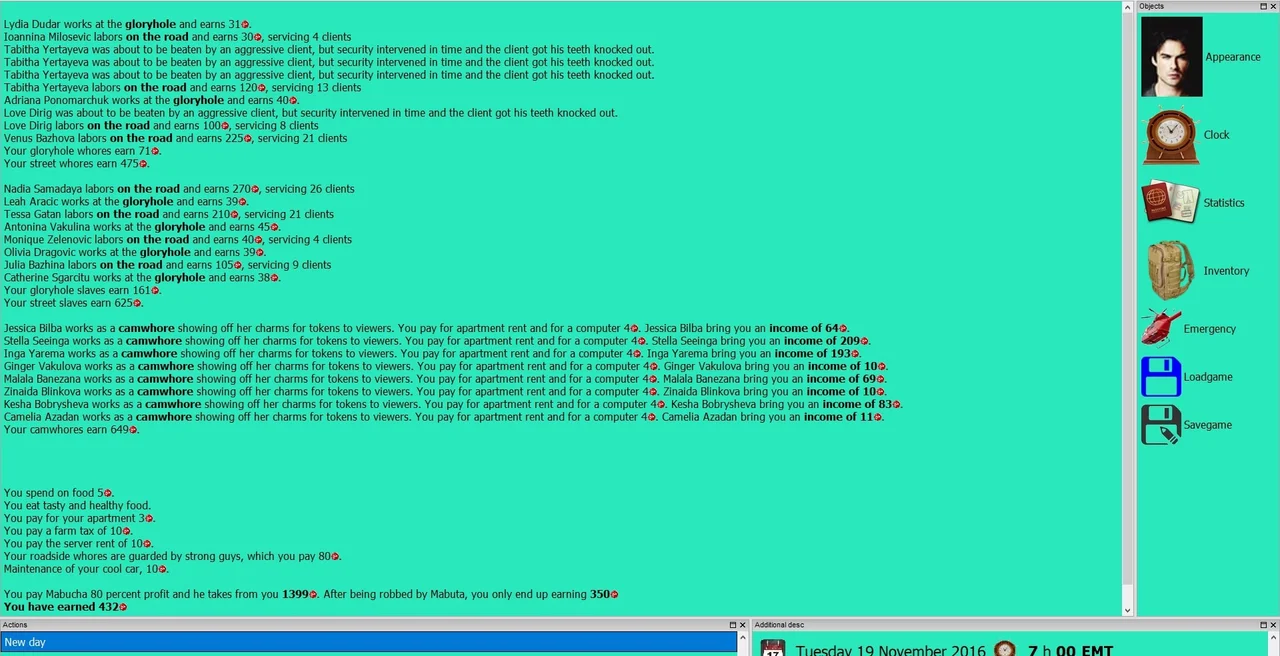
Progress comes from working the city itself: earning money, buying property and equipment, and expanding into gangs, drug dealing, brothel management, blackmail, and slave contracts. The first stretch of the game runs as a free-roam sandbox, and later sections shift into a mix of sandbox play and scripted visual-novel-style events. Contacts, friends, and lovers can be built up and gradually corrupted as your influence grows.
Features
- QSP-based RPG structure inspired by the original Evil, rebuilt with a male-protagonist-only focus
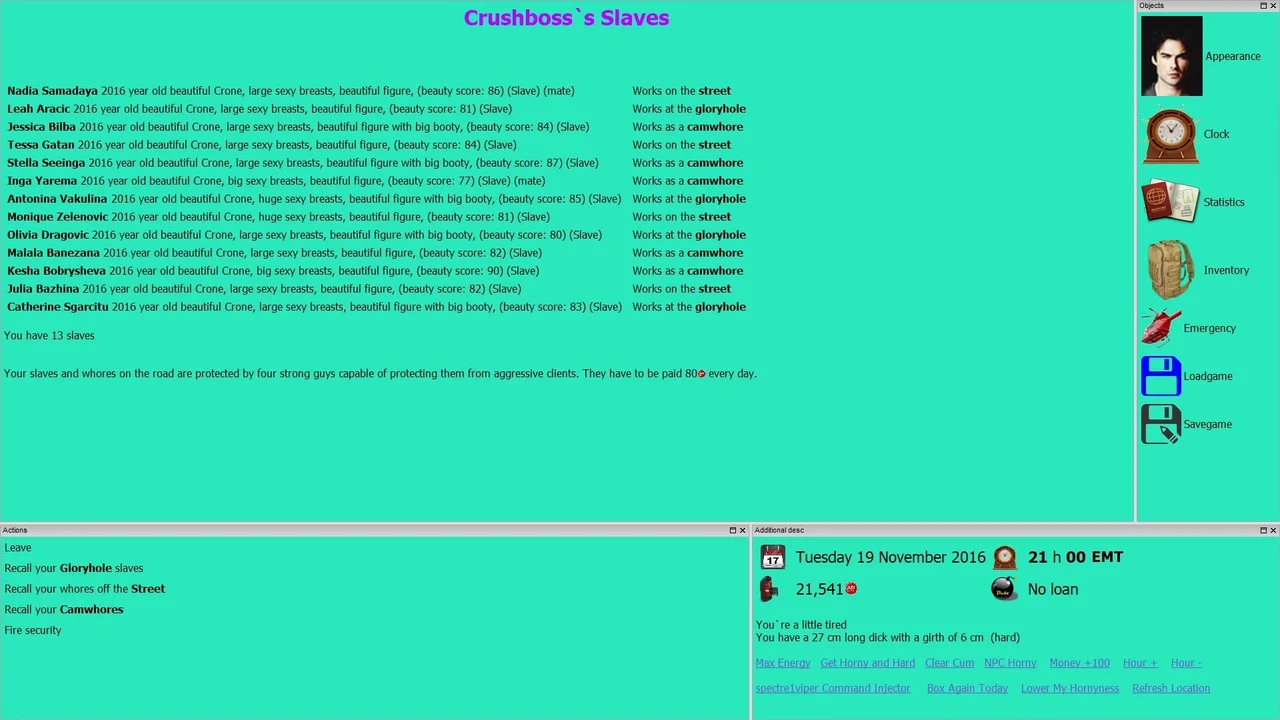
- Systems for gang building, drug trade, brothel ownership, and slave training under a legal-with-restrictions slavery setup
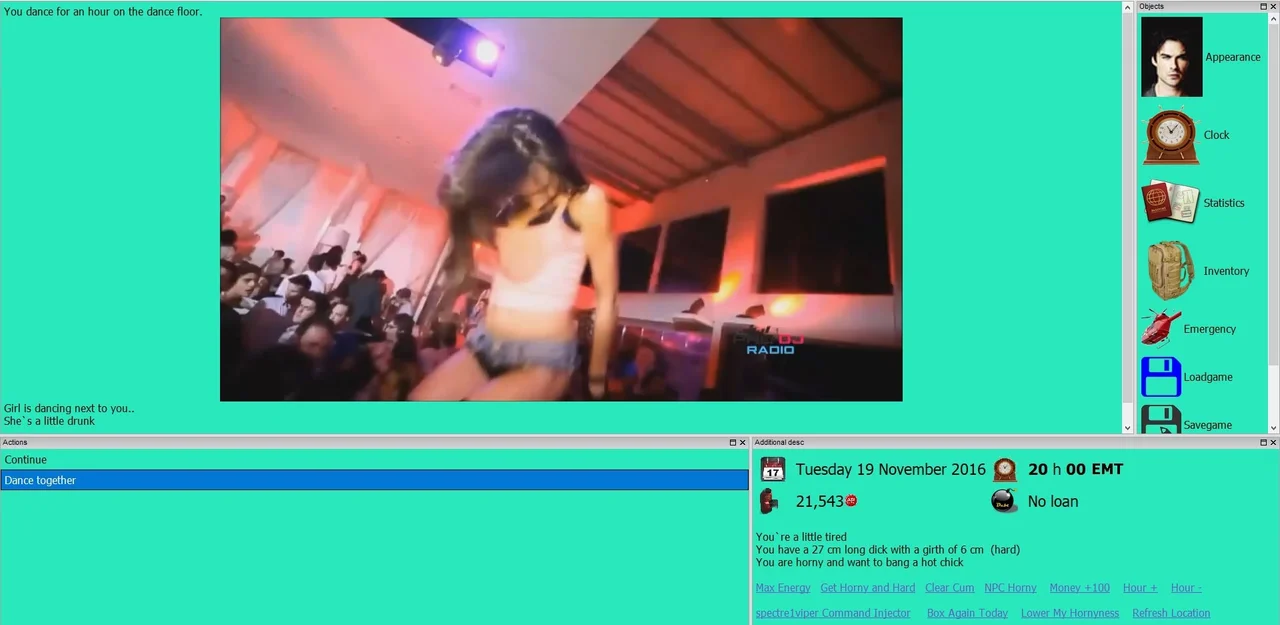
- Real porn imagery and video assets across a large NPC pool
- Deep sex and relationship system tied into the corruption and management mechanics
Notes
This is a remake, not a sequel, and it deliberately excludes transgender, gay, transformation, feminization, and female-protagonist content. It also contains rape, kidnapping, and other non-consent themes, so check the tag list before playing.
Installation
1. Extract ' Evil 2 - 0_55Beta Full.7z ' by right-clicking on the file 7-zip , ' Extract Here ' 2. Copy ' Evil 2 - 0_59.7z ' to your ' EVIL 2 ' folder (not the 'Evil' folder). Right-click on the file 7-zip - ' Extract Here ' - ' Overwrite All ' - Select OK to merge and overwrite the existing files. Don't create a new folder when extracting. If you aren't prompted to replace existing files then you didn't install the update correctly. 3. Copy ' Evil 2 - 0_69.7z ' to your ' EVIL 2 ' folder (not the 'Evil' folder). Right-click on the file 7-zip - ' Extract Here ' - ' Overwrite All ' - Select OK to merge and overwrite the existing files. Don't create a new folder when extracting. If you aren't prompted to replace existing files then you didn't install the update correctly. 4. Copy ' Evil 2 - 0.76.7z ' to your ' EVIL 2 ' folder (not the 'Evil' folder). Right-click on the file 7-zip - ' Extract Here ' - ' Overwrite All ' - Select OK to merge and overwrite the existing files. Don't create a new folder when extracting. If you aren't prompted to replace existing files then you didn't install the update correctly. To start the game, open up ' qspgui.exe ' in the Evil 2 game folder - Quest Open Game - ' Evil2-spectre1viper.qsp ' (located in the 'Evil' folder).