Click to zoom
1 / 7
Ongoing
v1.1.0
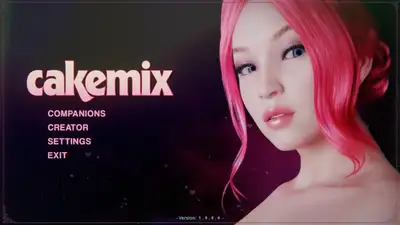
CakeMix: VR Character Creator
Game Information
Developer
Ripened PeachVersion
v1.1.0
Engine
Unity
Release Date
Oct 12, 2025
Last Update
Jan 17, 2026
Censorship
Uncensored
Overview
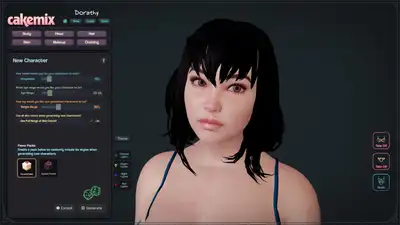
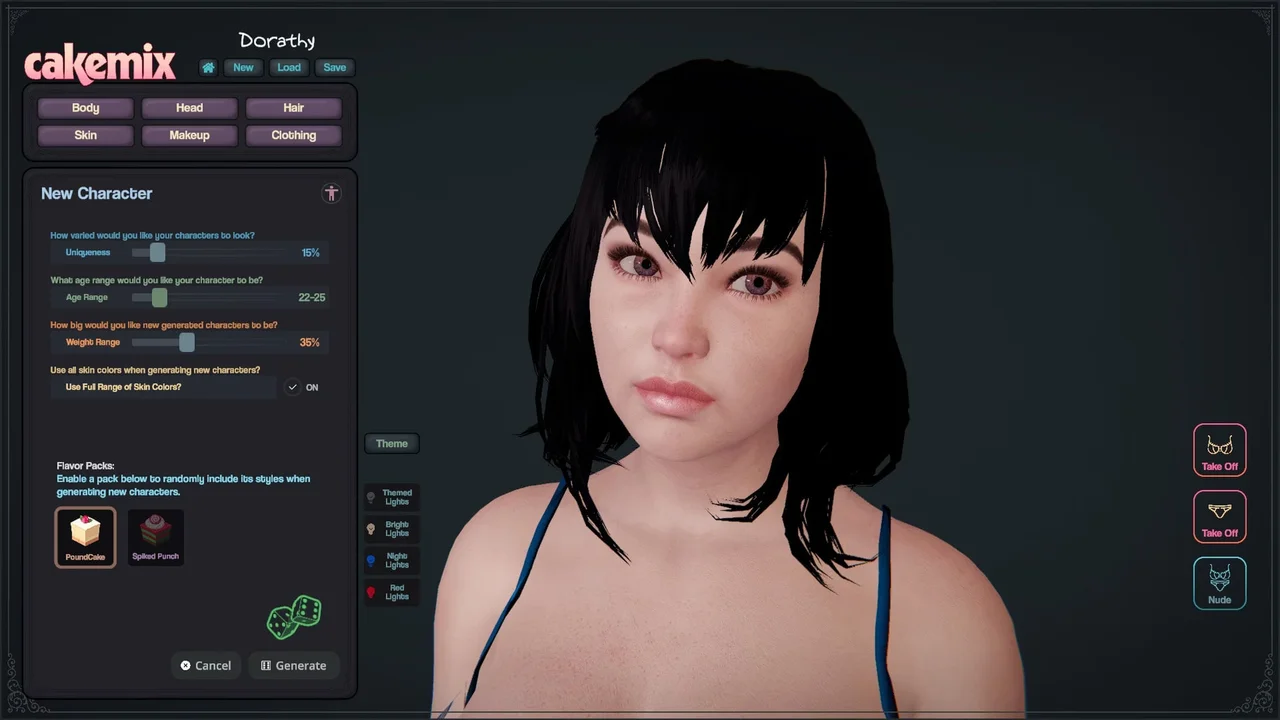
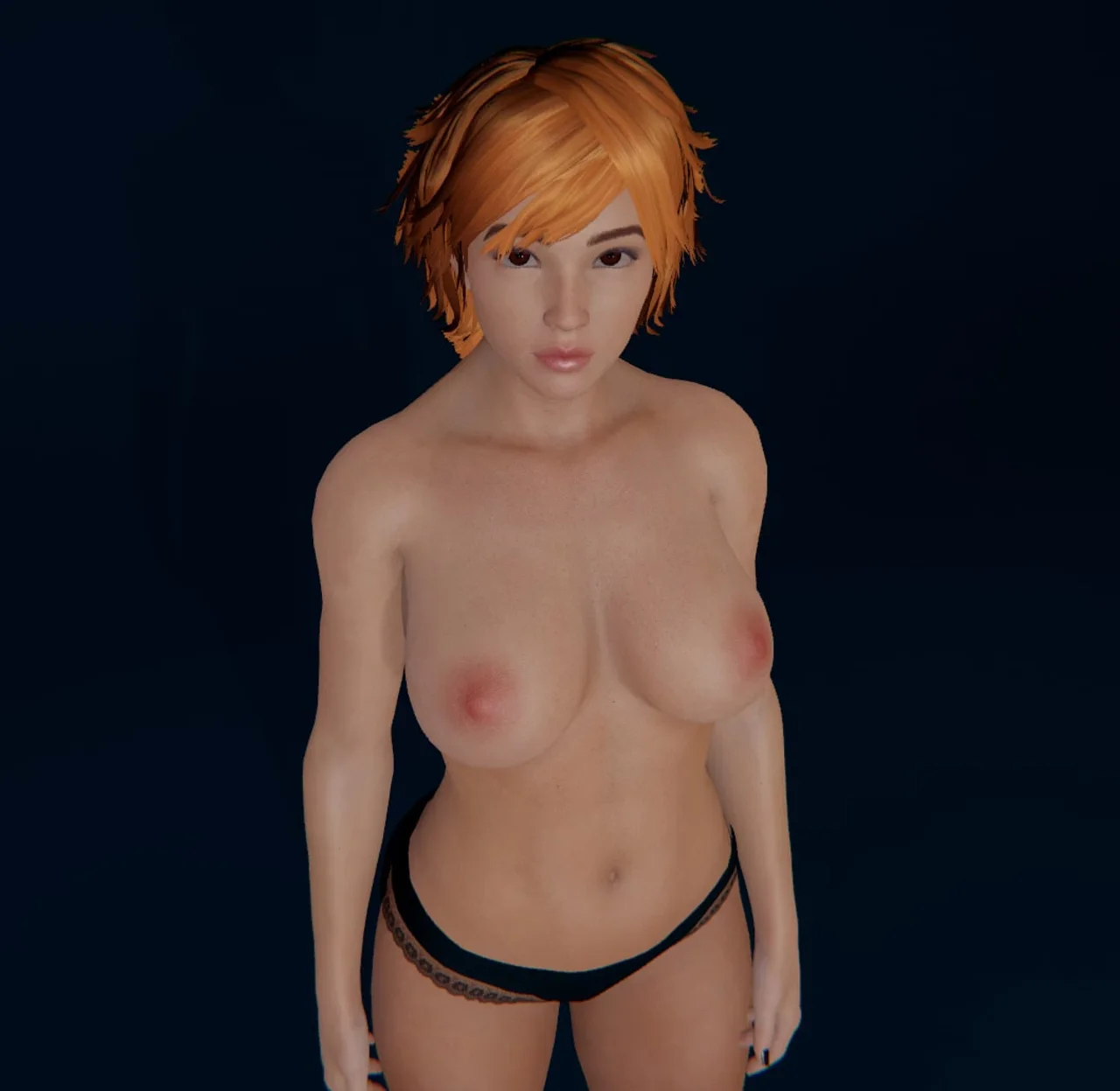
CakeMix: VR Character Creator is a 3D character simulator for players who want a hands-on tool for building custom characters rather than a story-driven game. It's a calm, open-ended playground for tinkering with looks and detail.
Gameplay
The core loop starts with generating a random character, then adjusting her from there. Players work through appearance options in virtual reality until the result matches what they had in mind. There's no objective beyond building the character you want.
Features
- Random-generation starting point so no two sessions begin the same way
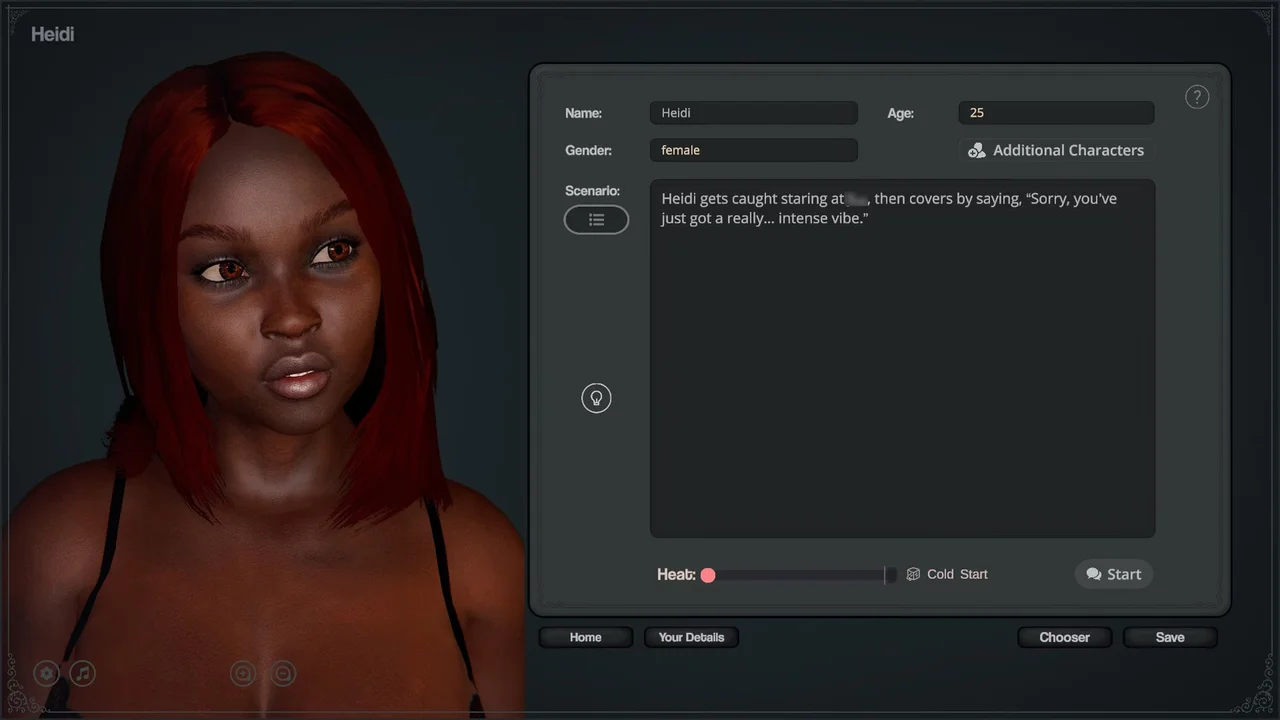
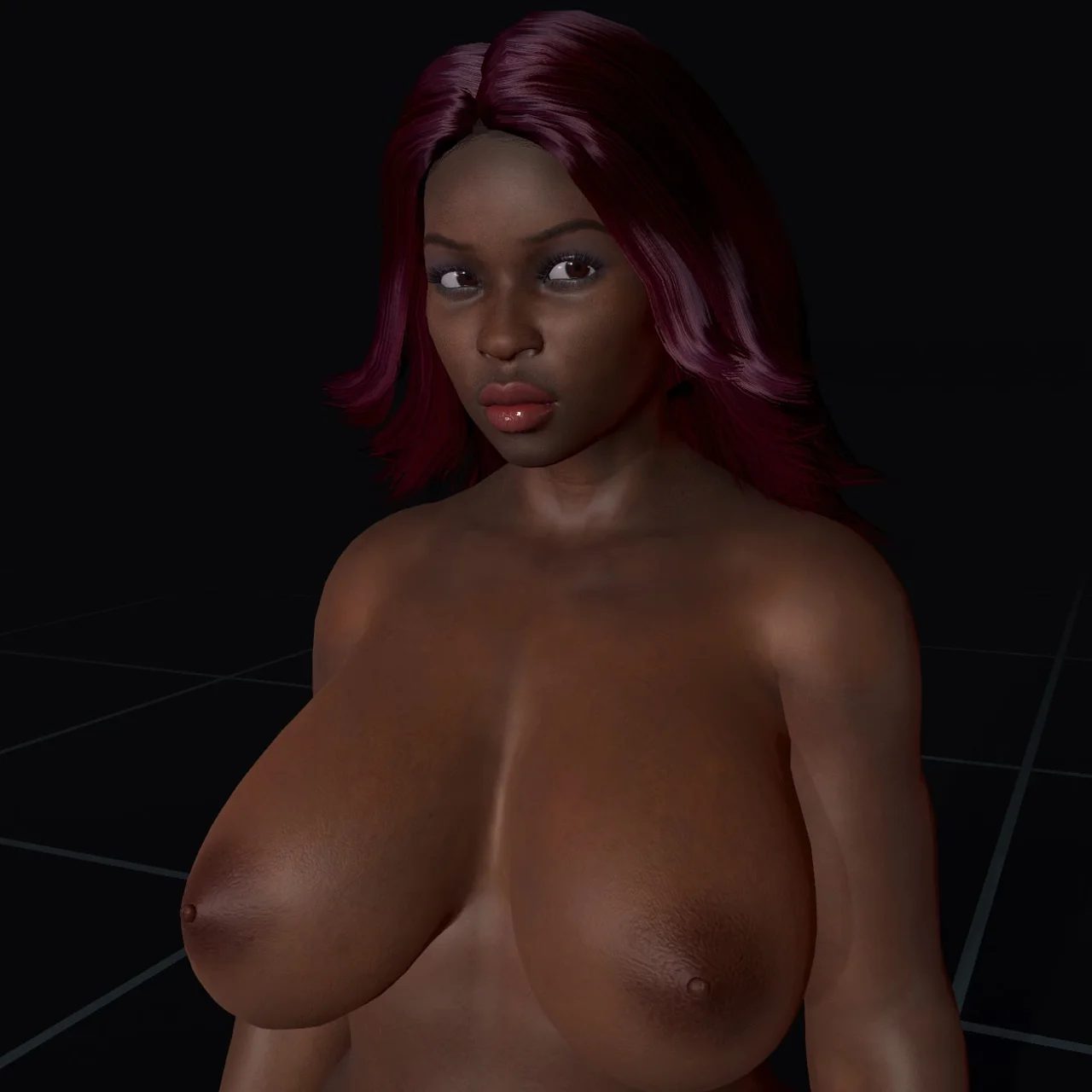
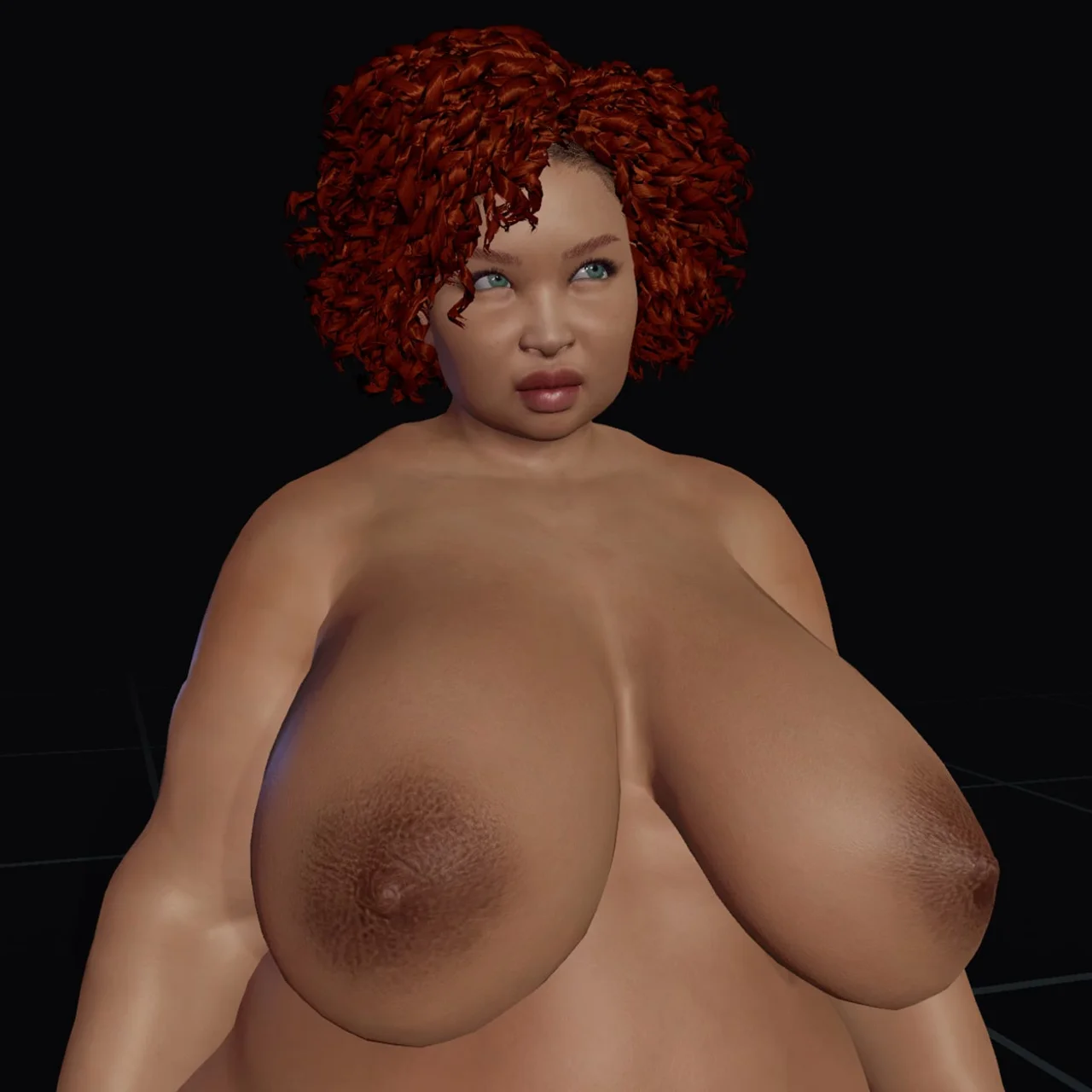
- Lighting tuned to stay readable across different skin tones and viewing angles
Installation
1. Extract and run.
Changelog
v1.1.0
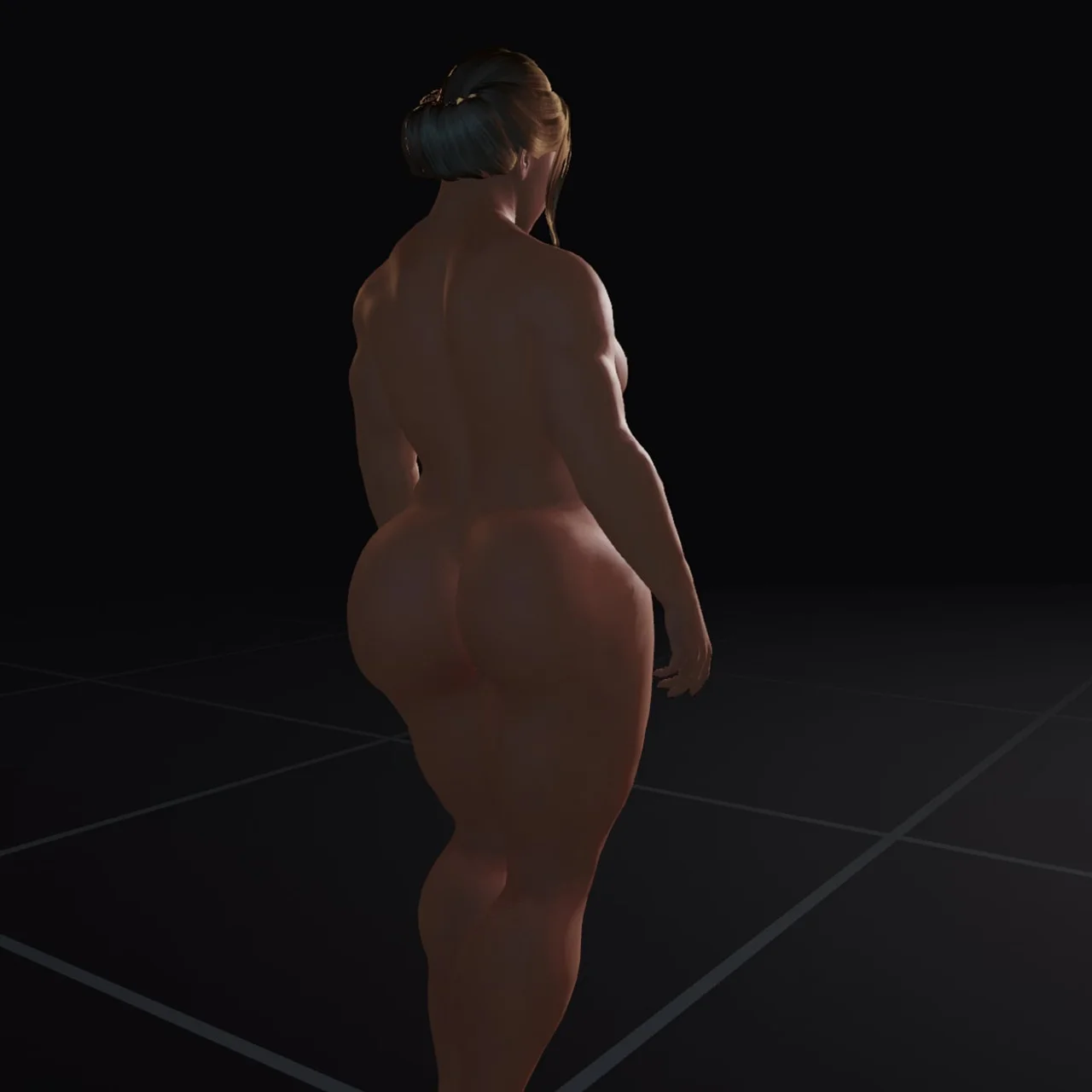
- Improved Lighting: All of the lighting has been upgraded to better show back sides. Some lighting on darker skinned characters was a little bit too dark when viewing from behind, so it's all be updated for better visibility.
- Improved Performance: Several changes have been made behind the scenes to improve performance, particularly in the Character Creator, but also in other sections. This is an ongoing thing, always in progress.
- Fixed Unity Vulnerability: Unity recently announced a potential security issue in games made with it, so I updated the Unity Editor to the latest (fixed) version, and this CakeMix build was made with that. So no more vulnerability.
- Added Tonemapper Settings: This is something you'll want to play with if you don't know what it is. Basically it's how the graphics renderer handles the overall tone of how the characters, etc. look. You can find it in Settings/Visuals. Try Photographic vs Aces to see the biggest difference.
- Improved Hands Clipping: I fixed a problem with hands clipping a bit too much in Story Time mode. I also made changes to the clipping avoidance overall, but this is also something that is always being tweaked. Clipping is unavoidable (every game has some) but I'm doing my best to keep it under control as much as I can.
- Improved Settings: I moved the Graphics settings to their own tab, so now Visuals and Graphics are separated. They're very similar, but basically Graphics is for video card stuff, and visuals is for general things like Brightness. Subtle change, but it gives me more room in the UI, so it works better than before. I also removed an FOV toggle from Graphics settings because it wasn't working anyway and was in there accidentally.